
Free AI Code Writer: How to Turn Plain English Into Working Code (Without Paying)
Yes — a free ai code writer can turn a sentence like «write a Python function that removes duplicates from a list» into working code in seconds, with no credit card required. Dozens of tools now do this, built on the same family of large language models that power ChatGPT and its rivals. This guide shows what these tools actually are, how they work, which languages they cover, and how to get code you can trust.

What a Free AI Code Writer Actually Is
An AI code generator takes a plain-English description of a task and returns runnable source code — no formal spec, no diagram, just a sentence. That’s the core promise of every text-to-code tool on the market today, and it’s what separates an AI coding assistant from a traditional code editor with autocomplete.
From a sentence to a snippet
Type «write a function that checks if a number is prime» and the tool returns a working function, usually with a short explanation underneath. One of the more generous free tools, zzzcode.ai, accepts prompts of up to 10,000 characters (20,000 if you’re logged in) and can explain the output in over 100 human languages — useful if English isn’t your first language but you still want to code in it.
More than «generate»: explain, debug, refactor
Most tools do more than generate from scratch. The same interface that writes a function can usually also:
- Explain a block of unfamiliar code line by line
- Hunt for bugs in code you paste in
- Refactor messy or repetitive logic
- Convert a script from one language to another
- Draft documentation and docstrings
- Write unit tests alongside the function
Treat generation as the entry point, not the whole feature set.
How It Works Under the Hood: Large Language Models
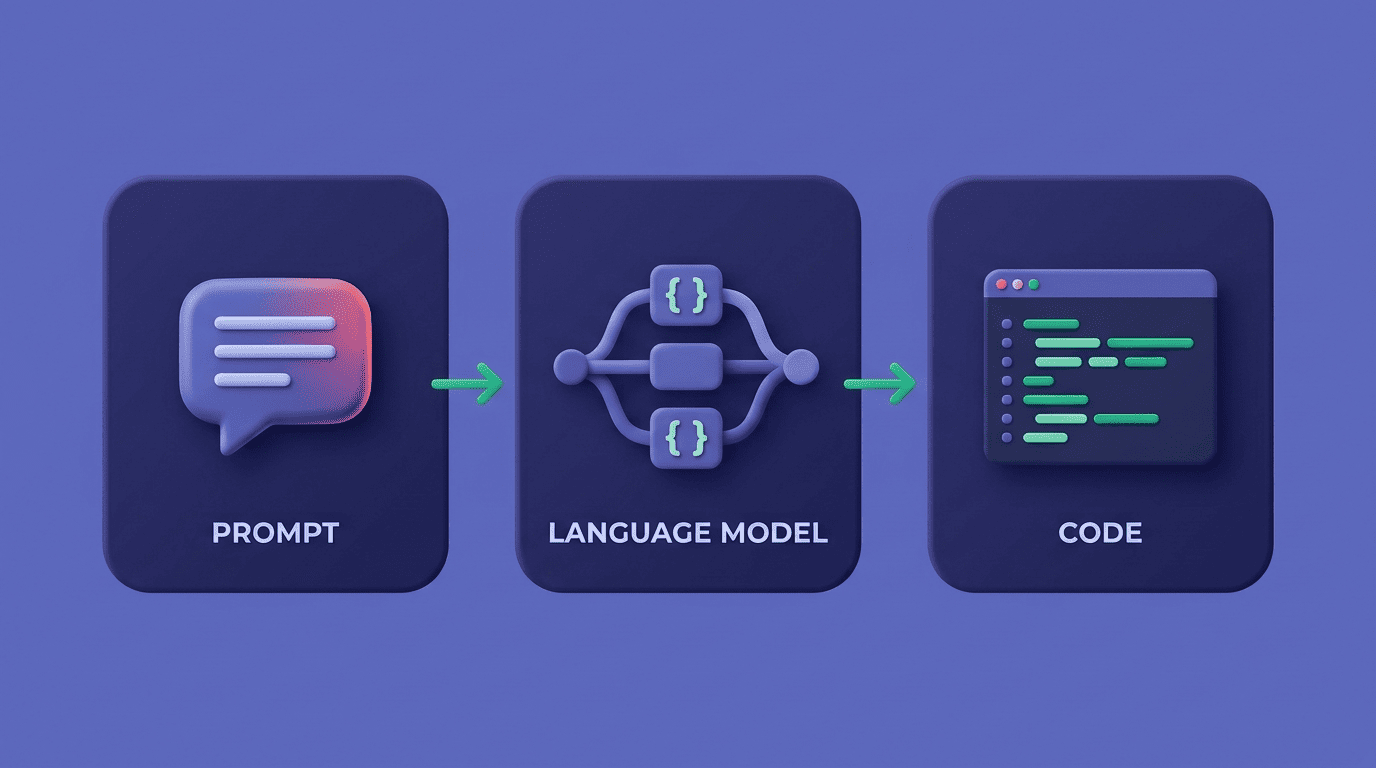
Every free AI code writer is a wrapper around a large language model — the same category of technology behind OpenAI’s GPT models, Anthropic’s Claude, and Google’s Gemini. The wrapper adds a code-focused prompt template and formatting; the model does the actual prediction.
The model is the engine
A large language model is trained on enormous amounts of public text and code, then learns to predict the most statistically likely next token given everything that came before it. Applied to a coding prompt, that next-token prediction — repeated thousands of times — is what produces a finished function.
A large language model (LLM) is a language model trained with self-supervised machine learning on a vast amount of text, designed for natural language processing tasks, especially language generation.
Wikipedia, «Large language model»
Different products plug in different models, and that choice shows up directly in output quality. DeepAI’s Pro tier ($9.99/month) unlocks a choice between GPT-5.2, Gemini 3.1 Pro, Claude Opus 4.7, and Grok 4.3. Toolbaz offers 24-plus models in its free, no-login interface, including GPT variants, Claude Sonnet 4, and DeepSeek. Figma Make, which turns a prompt straight into frontend code, offers GPT-5.6 as one of its available models.
Why the same prompt gives different code
Because prediction is probabilistic, the same prompt run twice — even on the same model — can return two different (but both valid) implementations. Quality also depends heavily on which model sits behind the free tier: Refact.ai, for example, gives everyone GPT-4o mini for free, but reserves GPT-4o and Claude 3.5 Sonnet for registered users. A vaguer prompt widens that variance even further.
Which Programming Languages Are Supported
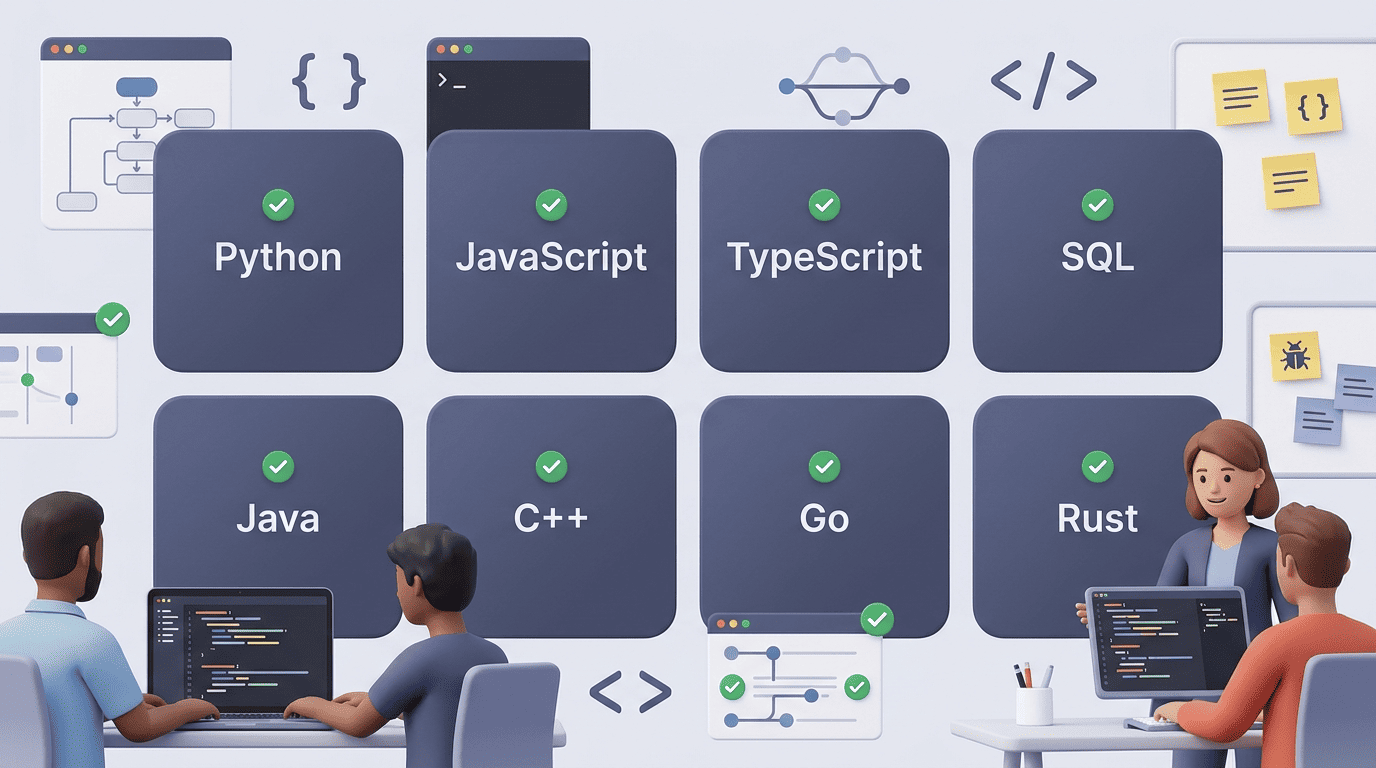
Coverage varies a lot between tools, but a common core shows up almost everywhere: Python, JavaScript, TypeScript, SQL, Java, and C++.
| Tool | Languages claimed | Sign-up required |
|---|---|---|
| CodeConvert | 60+ | No (5/day free) |
| Perchance | 40+ | No |
| Refact.ai | 25+ | No (best models need login) |
| zzzcode.ai | «any language» | No |
The common core: Python, JavaScript, SQL and friends
If you only need one of the mainstream languages, almost any free tool will do. CodeConvert advertises 60-plus supported languages, Perchance lists around 40 including JS, HTML, CSS, Python, SQL, TypeScript, Bash, Java, C#, C++, Go, Rust, Kotlin, Ruby, Swift, and Solidity, and Refact.ai covers 25-plus. For the language specification itself rather than the tool, python.org and the MDN JavaScript docs remain the authoritative references.
Frameworks and niche stacks
Some tools go further than raw language support and target whole frameworks and stacks:
- React and Node.js for frontend/backend JavaScript
- Django and Rails for full web applications
- Angular for enterprise frontends
- MySQL, PostgreSQL, and MongoDB for database queries
That’s Workik’s pitch, in particular. Niche languages such as Solidity, Kotlin, and Rust are usually supported too, but expect more rough edges: less training data means more hallucinated syntax and outdated patterns.
No Sign-Up, Unlimited, Truly Free? Reading the Fine Print
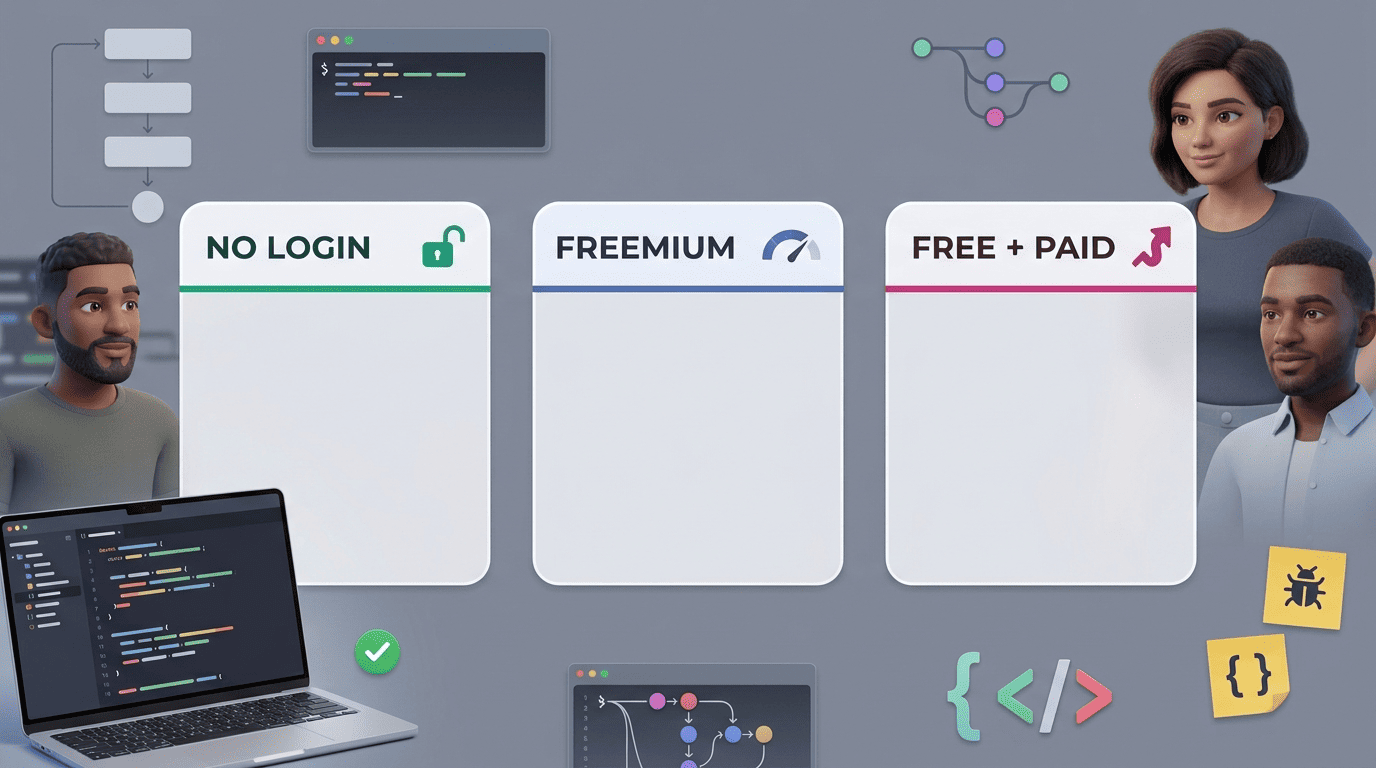
Not every «free» tool means the same thing. It’s worth splitting them into three honest categories before you commit to one.
Genuinely free vs freemium
| Category | Examples | What you actually get |
|---|---|---|
| No login, no limit | Perchance, Toolbaz | Full access, no account, no daily cap |
| Freemium with daily cap | CodeConvert (5/day free) | Free tier capped; login unlocks 25,000 characters/prompt |
| Free weak model + paid upgrade | Refact.ai (GPT-4o mini free), DeepAI ($9.99/mo Pro) | Usable free tier, stronger models behind payment |
Perchance and Toolbaz sit at the generous end — no account and no daily limit. CodeConvert lets you generate five times a day without an account, and unlocks 25,000 characters per prompt once you log in with five free credits. Refact.ai and DeepAI take a third approach: the free tier works, but the strongest models are gated behind registration or a subscription.
The hidden costs: limits, ads, model quality
«Free» rarely means «no compromise.» The trade-offs are usually one of: a weaker model, a character limit on your prompt, ads, or a request queue during peak hours. zzzcode.ai is unusually transparent about this — it states outright that running its servers costs more than $50 a day, which is exactly why so many tools nudge free users toward an account or a paid tier once usage climbs. Reading an ai code writer page’s fine print before you rely on it for real work saves you a mid-project surprise.
What a Free AI Code Writer Can and Can’t Do
Knowing the boundaries matters more than knowing the features — free or paid, these tools are assistants, not senior engineers, and the code they hand back still needs a human review before it ships.
Great for boilerplate, functions, and learning. Routine, well-defined tasks are where these tools shine: boilerplate setup, small self-contained functions, regex patterns, SQL queries, converting a script between languages, and explaining a chunk of code you didn’t write. These are exactly the tasks developers used to spend Stack Overflow time on, now answered in seconds.
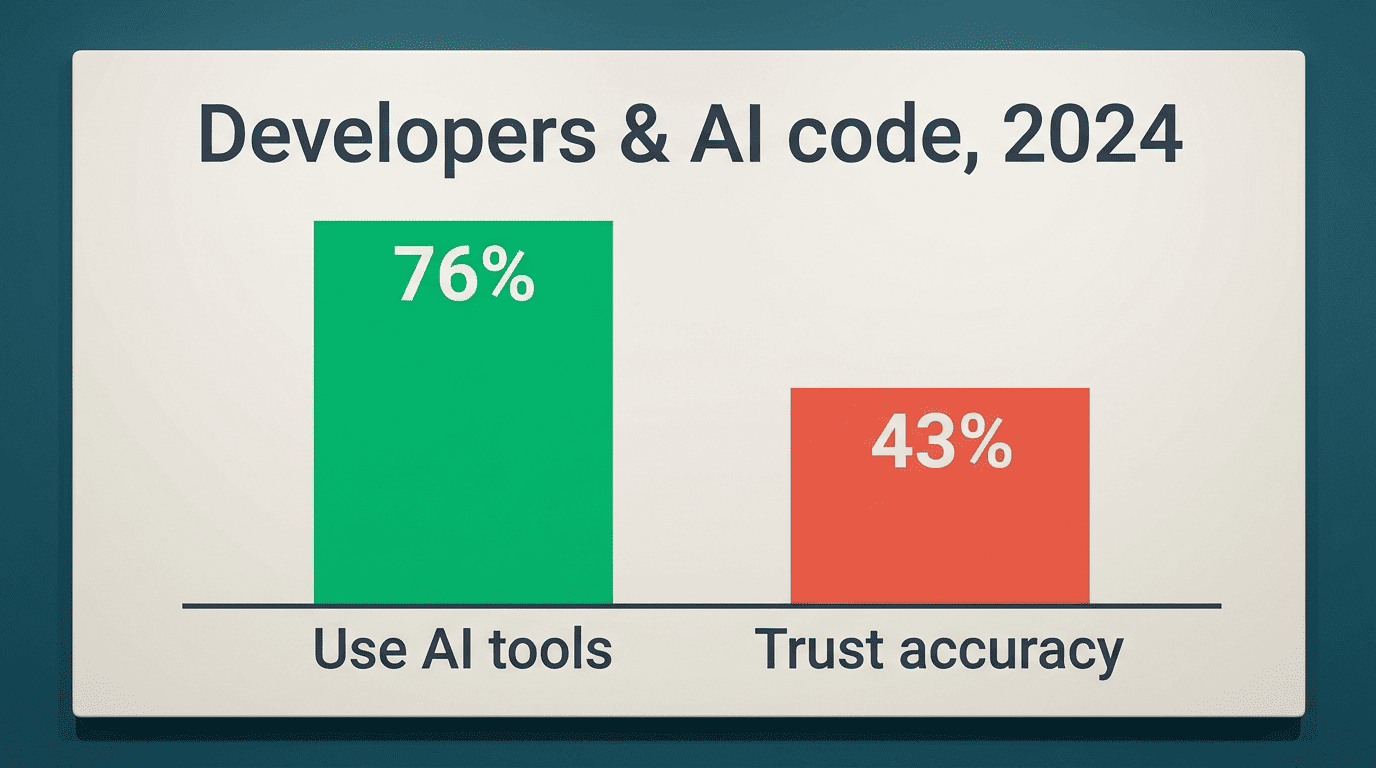
Where it breaks: hallucinated APIs and security. The failure mode is just as consistent: a model can invent a method or library that doesn’t exist, use an outdated syntax version, or quietly introduce a security hole like an unescaped SQL string. None of this is rare enough to ignore. The 2024 Stack Overflow Developer Survey found a majority of developers use AI tools in their workflow, yet trust in the accuracy of AI-generated answers is notably lower than usage rates — which is exactly why testing and review stay non-negotiable steps, not optional ones.
Before shipping anything a free tool wrote for you, run through this short checklist:
- Does every imported function or library actually exist?
- Does it handle empty input, null values, and edge cases?
- Is user input escaped or sanitized before it touches a database or shell command?
- Does it match the language/framework version you’re actually running?
- Have you run it — not just read it?
How to Get Better Code: Prompting Tips
The quality gap between a vague prompt and a specific one is bigger than the quality gap between most models. A few minutes spent on the prompt usually beats switching tools.
Here’s a simple sequence to follow before hitting generate:
- State the language and version — «Python 3.11,» not just «Python.»
- Describe the input — what type, what shape, what edge cases exist.
- Describe the expected output — return type, format, error behavior.
- List constraints — no external libraries, must run in a browser, performance limits.
- Ask for the function signature first if the task is complex, then the body.
- Request tests alongside the code, not as a separate follow-up.
- Ask for a line-by-line explanation so you can verify the logic yourself.
Be specific: language, inputs, outputs, constraints
Compare «write a function to sort a list» with «write a Python 3.11 function that sorts a list of dictionaries by the ‘date’ key in descending order, using only the standard library.» The second version removes almost all of the ambiguity a model would otherwise have to guess at, and the resulting code needs far less rework.
Ask for tests and explanations too
Asking the same prompt to also return unit tests and a plain-English walkthrough turns the output into something you can actually verify, not just paste and hope. It’s a small addition to the prompt that pays off every time you use an ai code writer free of charge for anything beyond a throwaway script.