
AI Code Writer for Python: How to Generate, Explain, and Debug Python Faster
An ai code writer for Python turns a plain-English request into working code — a function, a script, or a fix for a broken traceback — in seconds. You describe what you need in ordinary sentences, and the tool returns runnable Python instead of a wall of Stack Overflow tabs.
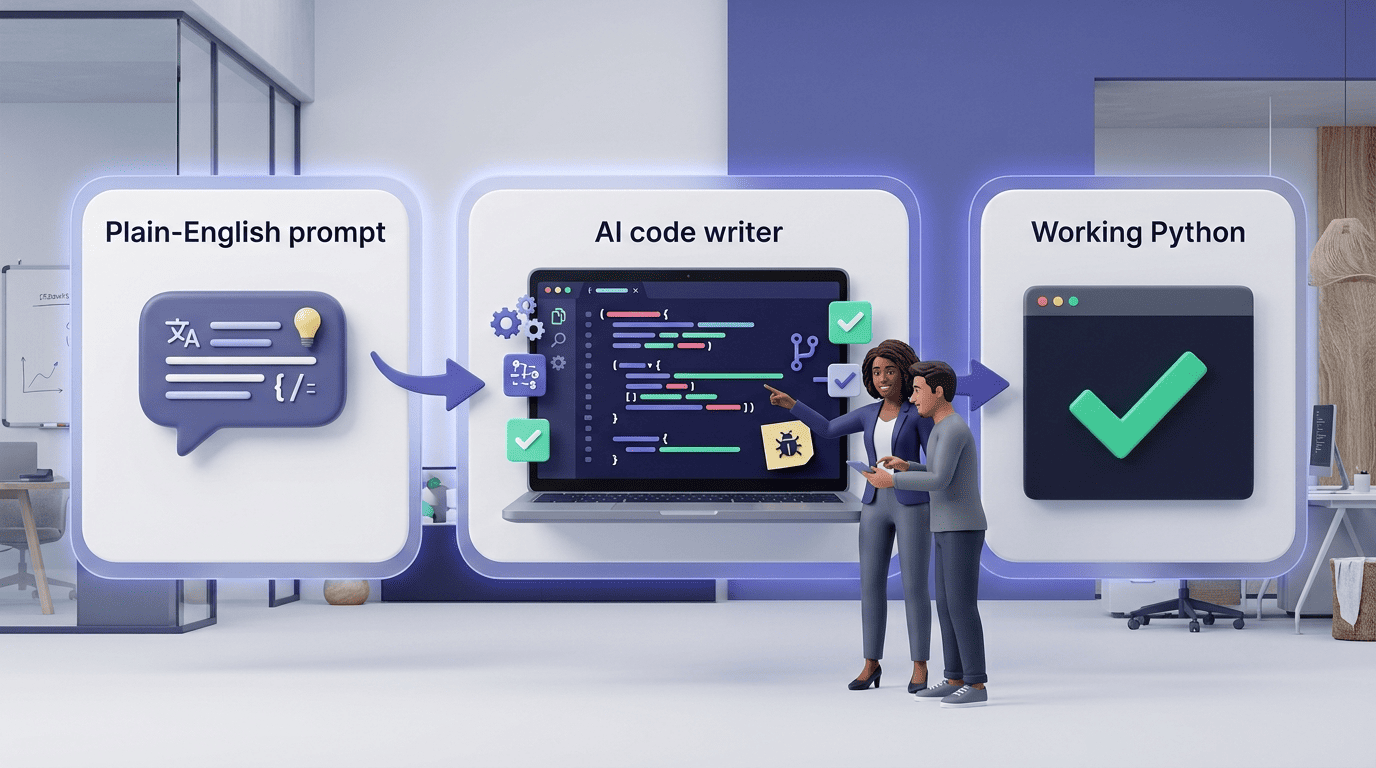
Under the hood, most of these assistants run on large language models such as GPT, Claude, or Gemini, tuned to answer in one of a few modes: pure code, code with an explanation, or an error-fixing mode. Python is a frequent target for this kind of tooling partly because of the design choices described in Wikipedia’s overview of the language, which credits Python’s readable syntax and broad standard library for its popularity among developers.
What an AI Code Writer Does for Python
A Python AI code generator is not a single trick — it is a small set of connected skills built around one interface. The assistant reads your prompt, decides what you are actually asking for (new code, an explanation, or a fix), and routes the request through an LLM that has seen enormous amounts of Python during training.
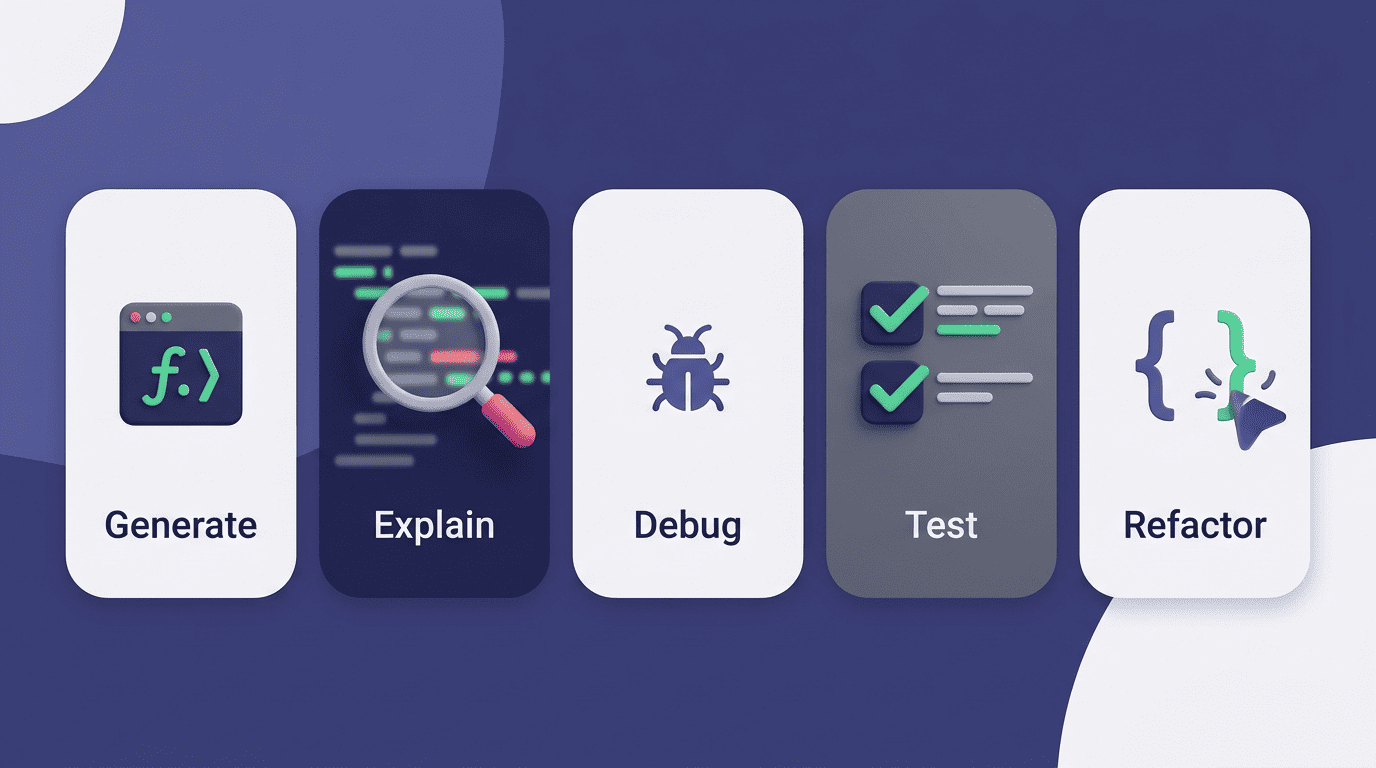
Ask it to build something and it generates Python functions and scripts from scratch. Paste in code you didn’t write and it explains what each line does. Drop in an error message and it debugs Python tracebacks, tracing the failure back to the line that caused it. That range — generate, explain, debug — is what separates a dedicated AI coding assistant from a generic chatbot that happens to know some Python.
From plain English to running code
The mechanics are straightforward. You describe the task in a sentence or two — inputs, outputs, any edge cases — and the assistant, running on an LLM, converts that description into Python. Python is unusually well suited to this kind of translation: its syntax reads close to English, and its standard library already covers most everyday tasks, so the model rarely has to invent boilerplate.
That design choice was deliberate from the start. The Zen of Python, the informal set of principles behind the language, puts it plainly:
Readability counts.
Tim Peters, The Zen of Python (PEP 20)
That same readability is what makes AI-generated Python easy to check line by line instead of trusting it blindly.
Five things it handles daily
In practice, most sessions with a Python AI code writer fall into one of five buckets:
- Generating a new function or script from a text description
- Explaining what an unfamiliar block of code does
- Debugging a traceback and proposing a fix
- Writing pytest unit tests for existing code
- Refactoring code to match PEP 8 and remove duplication
The rest of this guide walks through each one, plus how the assistant handles common libraries like Pandas and Django.
Generating Python Functions and Scripts
Most AI Python code generators cap the size of a single prompt, which is fine for a function or a short module but forces you to break a large script into smaller pieces and generate it in stages. You can usually choose between two output modes: code only, or code with inline comments explaining each step. Either way, the assistant can target whatever Python version you specify, since the language has changed meaningfully between major releases.
Write a clear prompt, get better code
Vague prompts produce vague code. A request like «sort a list» leaves the assistant guessing at the input type, the sort order, and what to do with duplicates. A specific one removes the guesswork.
| Prompt style | Example | Result |
|---|---|---|
| Vague | «read a CSV and filter it» | Generic function, wrong column names, no error handling |
| Specific | «write a function that reads a CSV with pandas and returns rows where column ‘price’ > 100» | Correct pandas call, right column, ready to run |
The pattern to copy — spell out, in the prompt itself:
- The input: type, format, and where it comes from
- The output: what shape the result should take
- Edge cases: empty values, wrong types, missing data
- The Python version, if it matters for syntax
From one function to a whole script
The same approach scales up. Ask for a complete script — a command-line tool with argparse, file reading, and a processing loop — and the assistant assembles it from pieces it already knows how to write individually. Most of that scaffolding leans on the standard library: csv and json for parsing, pathlib for file paths, argparse for command-line arguments. The official Python tutorial documents all of these modules if you want to verify what the generated code is actually calling.
Explaining and Understanding Python Code
Generation is only half the job. The other half is making sense of code someone else wrote — or code you wrote six months ago and no longer remember.
Line-by-line explanations
Paste a function or a script into an AI code writer’s explanation mode and it walks through what each block does: which data structures it touches, where the loops are, and roughly how expensive each step is. That is useful for onboarding onto a new codebase, and it’s just as useful for legacy code where the original author is long gone and the comments are missing or wrong.
Learning Python by asking «why»
Used this way, the assistant behaves more like a patient tutor than a code factory. You can ask «why did you use a list comprehension here instead of a for loop» and get a real answer about readability and performance, not just a restatement of the code. For the underlying syntax, the Python data structures tutorial covers list comprehensions in more depth than any chat answer will.
Debugging Python Tracebacks
A dedicated debugging mode is common across these tools — several AI Python code generators split «write code» and «fix errors» into separate features rather than treating debugging as an afterthought. That split matters because the two tasks need different inputs: generation wants a description, debugging wants the actual traceback.
Paste the error, get the fix
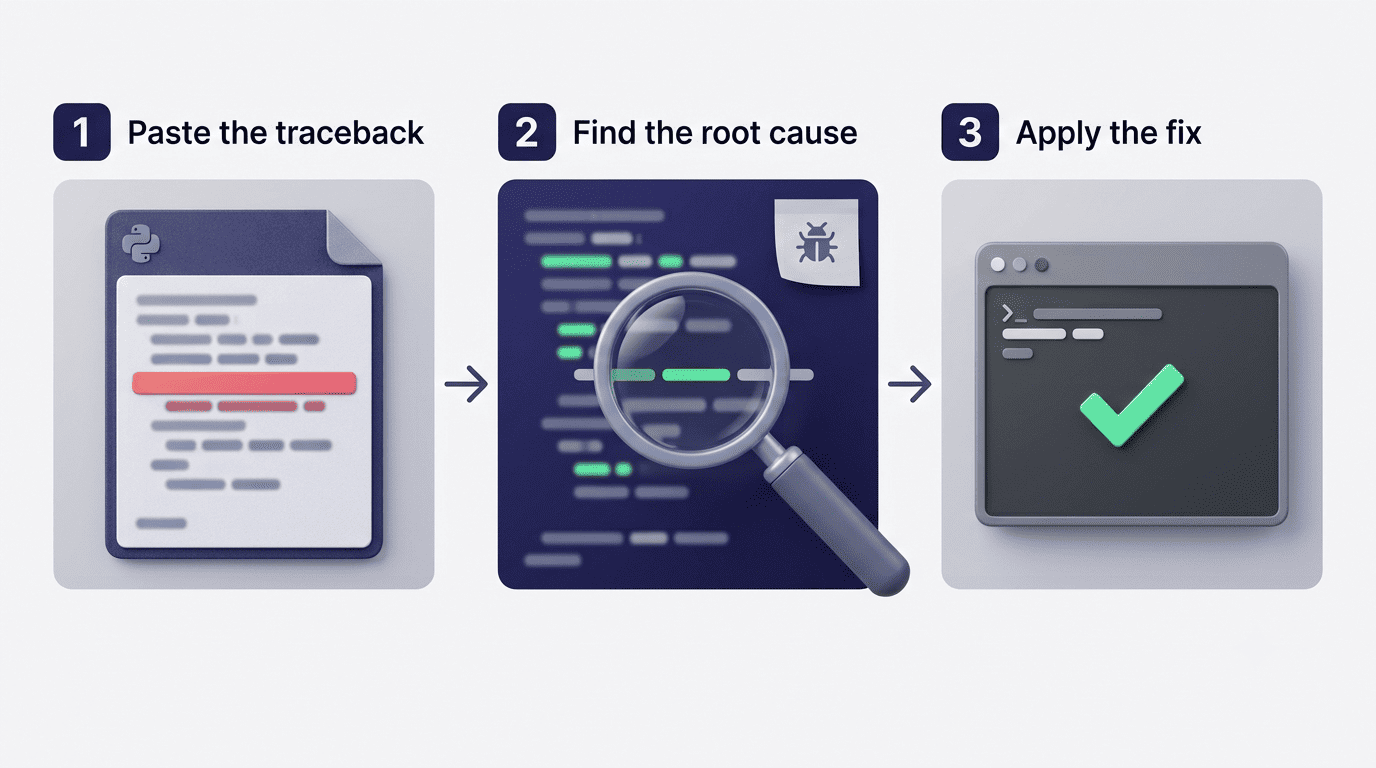
The workflow is simple: copy the full traceback plus the surrounding code, and the assistant traces the failure to its root — a wrong type passed into a function, a dictionary key that doesn’t exist, an off-by-one error in a loop boundary. A useful assistant doesn’t just patch the symptom; it explains why the error happened, so the same mistake doesn’t reappear two files later.
Common Python errors it catches
The errors an AI code writer sees most often are a short, predictable list:
SyntaxErrorandIndentationError— malformed statements or mixed tabs/spacesTypeError— an operation applied to the wrong typeNameError— referencing a variable that was never definedKeyError— looking up a dictionary key that doesn’t existIndexError— accessing a list position that’s out of rangeModuleNotFoundError— importing a package that isn’t installed
The Python documentation on errors and exceptions explains the mechanics behind each of these, including how Python builds the traceback itself.
Writing pytest Unit Tests
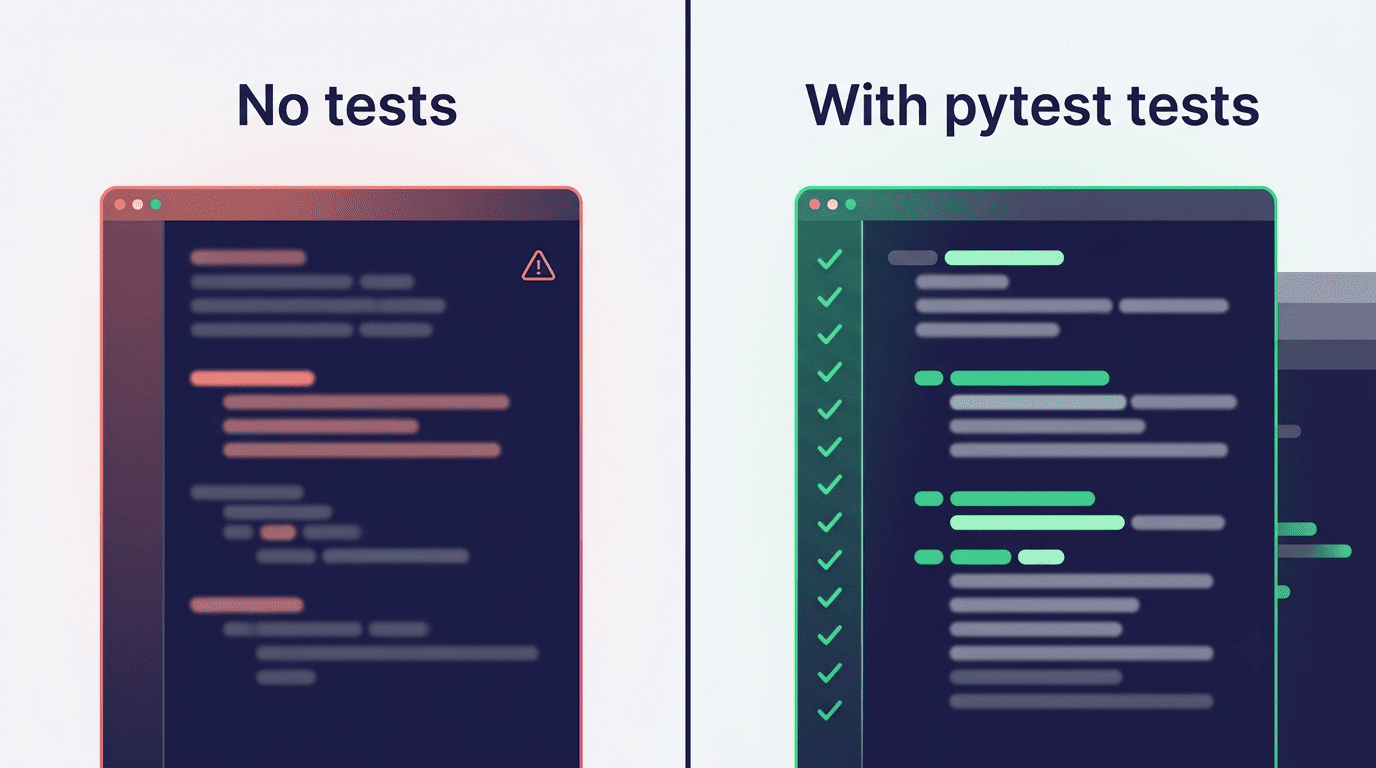
Test generation is where a lot of AI Python code generators fall short — only a minority of the tools on the market bother to cover it, even though pytest is close to the de-facto standard for testing Python. That gap is worth checking for specifically when picking a tool, since generated code without tests is just generated code you haven’t verified yet.
Generate tests for a function
Hand the assistant a finished function and ask for tests, and a competent one returns a test_*.py file structured the way pytest expects: one test per behavior, assert statements comparing actual output to expected output, and separate cases for the happy path and for known edge conditions. The pytest documentation is the reference if you need to extend the generated tests with fixtures or parametrization the AI didn’t include.
Cover edge cases you’d forget
A good AI code writer proposes the boundary cases a developer under deadline pressure tends to skip: empty input, None, negative numbers, an unexpectedly large value. That’s a genuine time saver — but generated tests still need to be run and read, not just accepted. A test that always passes because it asserts the wrong thing is worse than no test at all.
Common Python Libraries and Frameworks
Generic code generation is one thing; knowing the idioms of a specific library is another. The more useful assistants support the libraries developers actually reach for day to day — Django, Flask, and FastAPI on the web side, Pandas, NumPy, and Requests for data and scripting work.
| Task | Library | What to ask for |
|---|---|---|
| Load and filter tabular data | Pandas | «read this CSV and group by column X» |
| Numeric arrays and math | NumPy | «vectorize this loop with NumPy» |
| Call an external API | Requests | «GET this endpoint and parse the JSON response» |
| Build a REST API | FastAPI / Flask | «create an endpoint that accepts a POST with a JSON body» |
| Full web application | Django | «define a model and a view for this data» |
Data work: Pandas and NumPy
Typical requests here are mundane but time-consuming by hand: load a CSV, compute an aggregate, drop rows with missing values, reshape a table. An assistant that actually knows Pandas idioms returns groupby, merge, and vectorized operations instead of a slow Python for loop bolted onto a DataFrame. Package details and version history for both libraries are on PyPI and the official Pandas documentation.
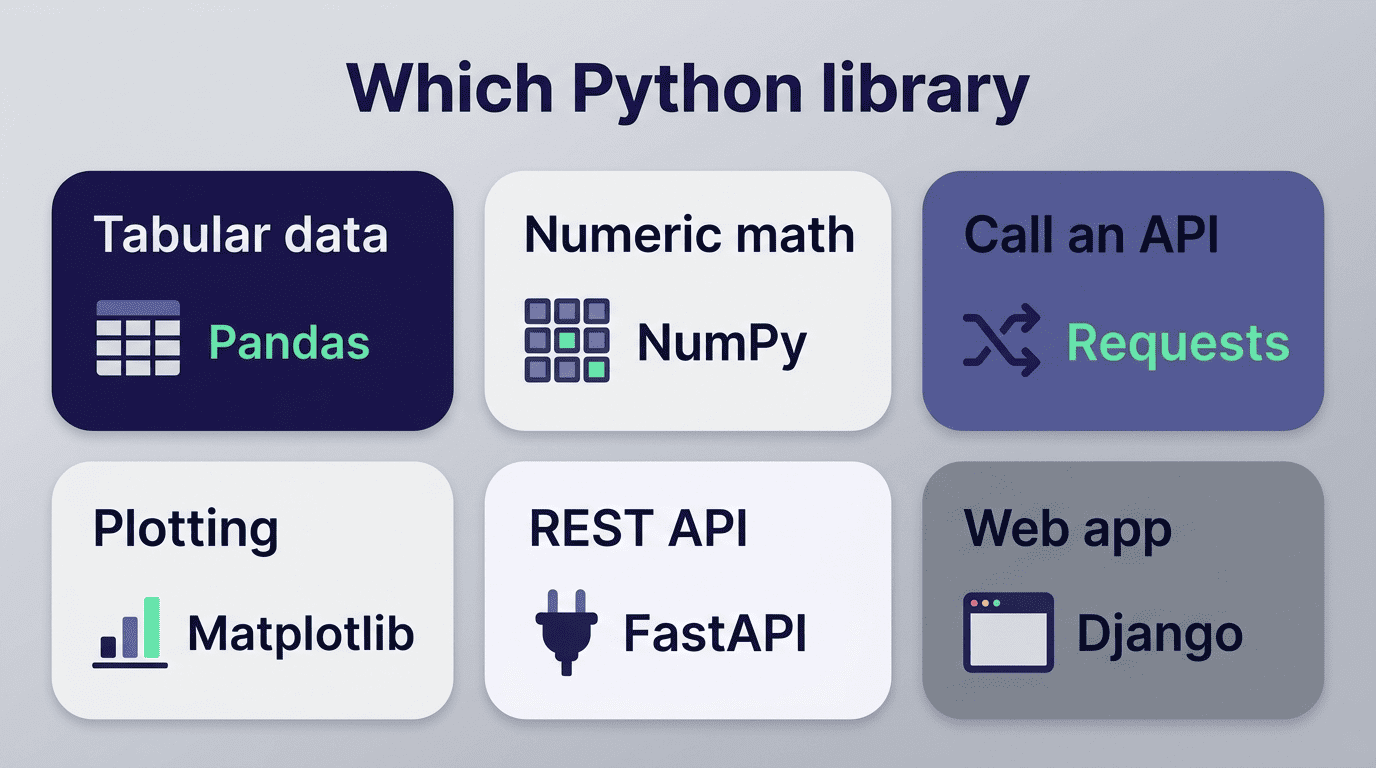
Web and APIs: Requests, Flask, FastAPI, Django
On the web side, common asks include pulling data from a third-party API with requests, standing up a small JSON endpoint in Flask or FastAPI, or wiring a model and view in Django. Each framework has its own conventions, and an assistant trained on real-world Python code tends to reflect them rather than inventing a generic pattern that doesn’t match how the framework is actually used.
Refactoring and PEP 8 style
Cleaning up existing code is a distinct skill from writing new code. Ask an AI code writer to refactor a function and it can reformat variable names, replace manual loops with list comprehensions where that’s actually clearer, remove duplicated logic, and bring spacing and line length in line with PEP 8, the official Python style guide. That guide is worth reading directly at least once — it explains the reasoning behind conventions like four-space indentation and naming case, not just the rules themselves.
Accuracy, Trust, and Good Habits
No AI code writer is right every time, and the tools that are honest about it say so directly. One well-known Python AI code generator warns users in its own product copy that AI-generated results can be inaccurate and should be checked before use — a fair warning that applies to every tool in this category, not just one vendor.
AI drafts, you review
Large language models occasionally hallucinate a function name that doesn’t exist in a library, misremember an API signature, or produce logic that runs without errors but returns the wrong answer. None of that is a reason to avoid AI code writers — it’s a reason to treat their output the way you’d treat a draft from a junior developer: read it before you rely on it, and run it before you trust it.

Before shipping anything an AI code writer produced, worth confirming:
- The imports and function names actually exist in the library used
- The logic matches the original request, not just a plausible-looking answer
- Error handling covers the inputs your code will realistically see
- The code has been run at least once against real data, not just eyeballed
A safe workflow with an AI code writer
A short checklist keeps AI-generated Python from turning into a silent liability:
- Write a specific prompt — inputs, outputs, edge cases, Python version
- Read the generated code line by line before running it
- Run it against real or representative data, not just the happy path
- Generate and run pytest tests for anything that will ship
- Commit only after the tests pass and the diff makes sense to you
Treat the AI code writer as the first draft, not the final review — the five minutes spent checking its output is what keeps a fast tool from becoming a fast way to ship bugs.