
AI Code Writer for JavaScript: Generate, Explain, Debug, and Test JS Faster
An ai code writer turns a plain-English request into working JavaScript — a function, a React component, a Jest test — in seconds. Instead of starting from a blank file, you describe what you need and get idiomatic code back, ready to review and drop into your project.
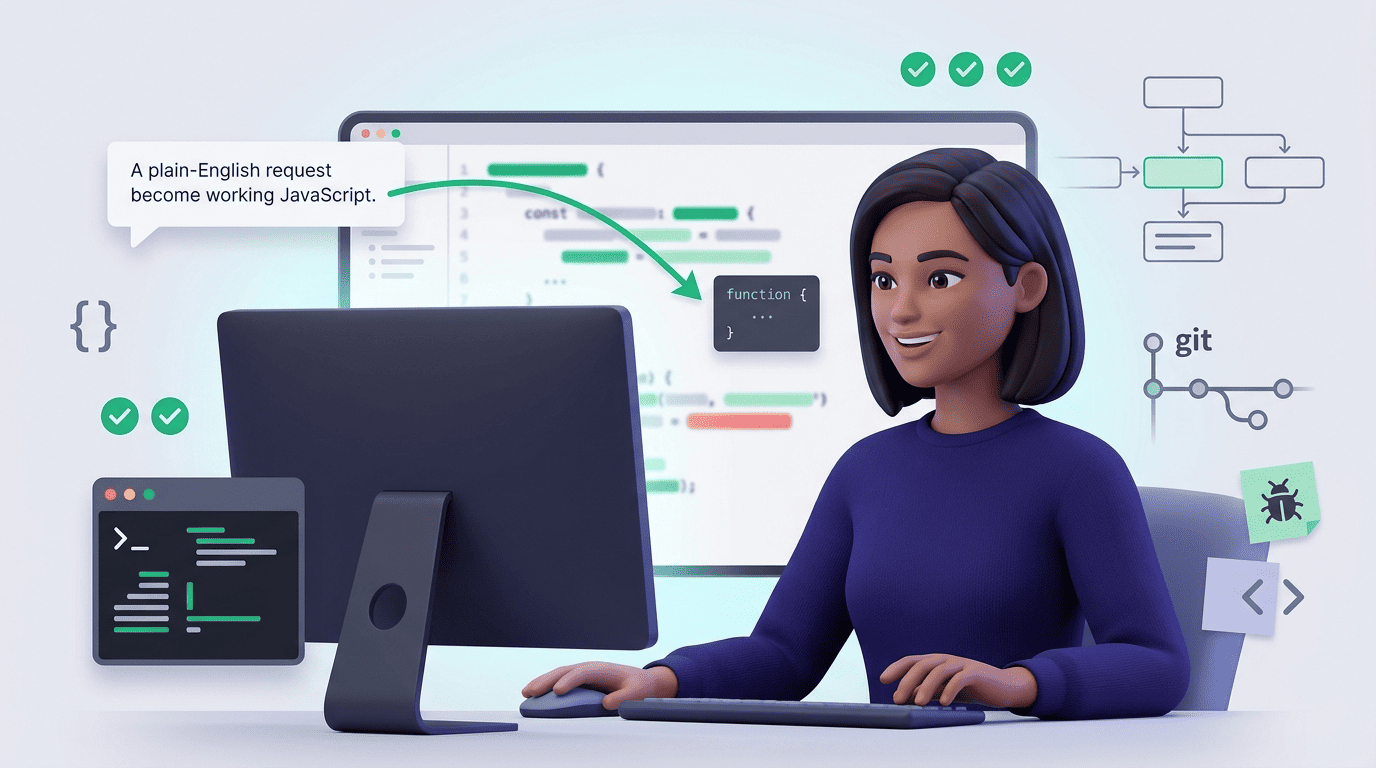
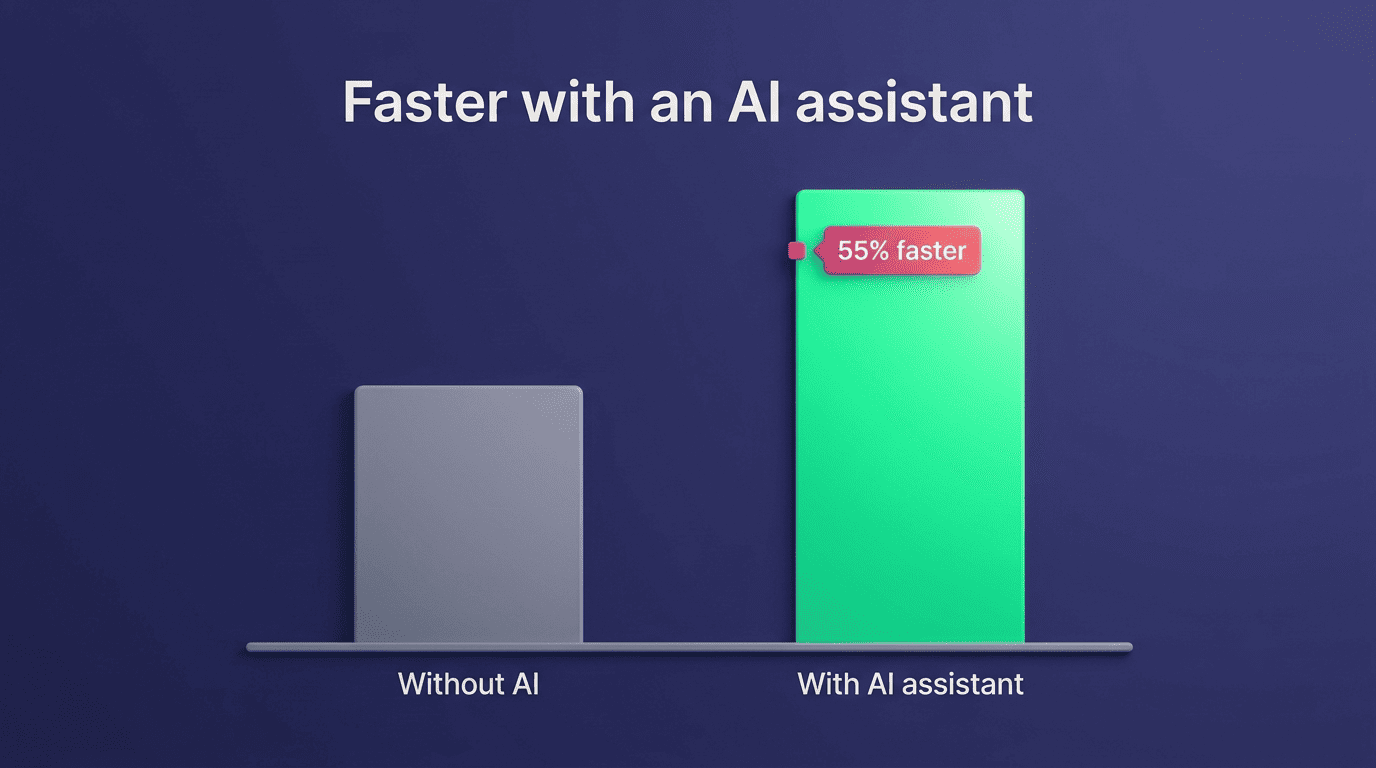
This guide covers exactly what an AI code writer does for JavaScript: generating code, explaining tricky async patterns, debugging errors, writing tests, handling Node.js versus the browser, and supporting TypeScript — plus where a human still has to step in. A controlled GitHub study on AI pair programming had developers build an HTTP server in JavaScript, and the group with an AI assistant finished the task roughly 55% faster than the group working without one — which is the main reason teams keep reaching for these tools on everyday work.
What an AI Code Writer for JavaScript Actually Does
An AI code writer takes a natural-language prompt and produces JavaScript — a function, a class, a whole module — instead of forcing you to write every line by hand. It generates JavaScript functions and components, offers a couple of variants when the request is ambiguous, and gets you from idea to runnable code in seconds rather than minutes. The value shows up most on the boilerplate and repetitive parts of a codebase, where a human writing the same array helper or form validator for the tenth time gains little from doing it manually.
From plain English to running code
You describe intent — «write a function that debounces a callback» — and the AI writes idiomatic JavaScript that follows current conventions. The good tools stay aligned with the language reference maintained by MDN’s JavaScript documentation, which means generated code tends to use current syntax rather than patterns that were already outdated five years ago.
The four core jobs: write, explain, debug, test
Everything an AI code writer does for JavaScript falls into four jobs: generating code, explaining code, debugging code, and writing tests for code. JavaScript itself is defined by the ECMAScript standard published by Ecma International, and an AI code writer that tracks that standard is the one that produces code your engine actually understands, not code stuck on an older spec.
Generating Functions and Components
An AI code writer generates JavaScript functions and components on request, and the better tools support the frameworks teams actually ship with — React, Vue, Angular, Express, and Next.js — rather than plain vanilla JS alone. That range matters because most real projects mix a UI framework on the front end with a Node-based API on the back end, and switching context between the two is exactly where an AI assistant saves the most time.
Functions, utilities, and boilerplate
Array helpers, form validators, fetch wrappers, date formatters — these are the requests that come up daily. The AI writes the skeleton with sensible parameter names and edge-case handling, and you refine the parts that touch your specific business logic.
React and framework components
Ask for a React component and the AI scaffolds props, state, and the JSX markup around them; the same pattern extends to Vue, Angular, Express routes, and Next.js pages. Modern generators also lean on newer ES2024 additions — methods like Object.groupBy and Promise.withResolvers — instead of falling back to verbose workarounds from older spec versions.
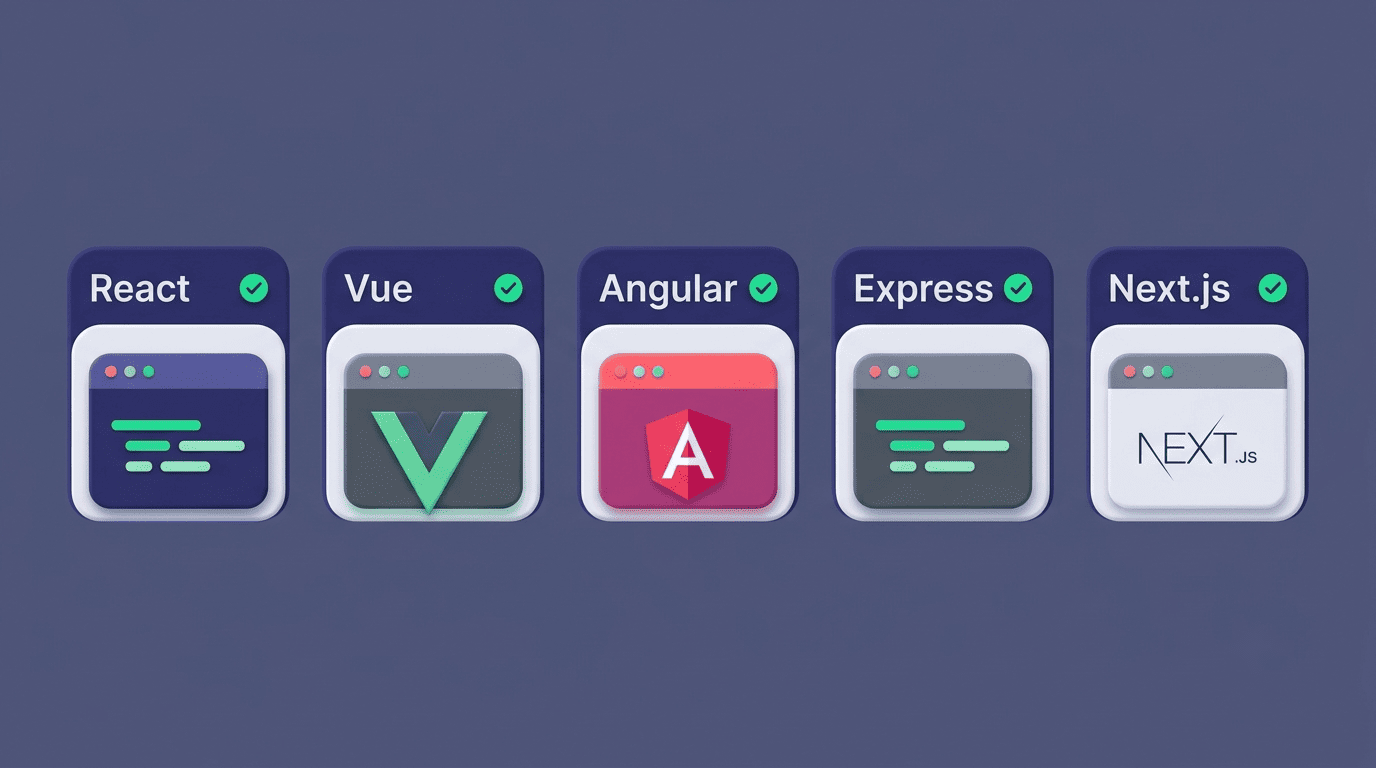
Framework support is usually the deciding factor when picking an AI code writer for a real project:
- React — function components, hooks, and prop typing
- Vue — single-file components with the composition API
- Angular — components, services, and dependency injection boilerplate
- Express — route handlers, middleware, and REST endpoints
- Next.js — pages, API routes, and server components
Explaining JavaScript and Async Code
Beyond writing code, an AI code writer explains JavaScript and async patterns that trip up even experienced developers. That includes closures, this-binding, and — most commonly — how Promises and async/await actually behave under the hood.
«Explain this code» in plain terms
Paste in a snippet and get a line-by-line explanation of what it does and why. This is one of the most practical uses of an AI code writer: onboarding a new engineer onto an unfamiliar codebase, or making sense of legacy code nobody on the team wrote.
Async/await, Promises, and the event loop
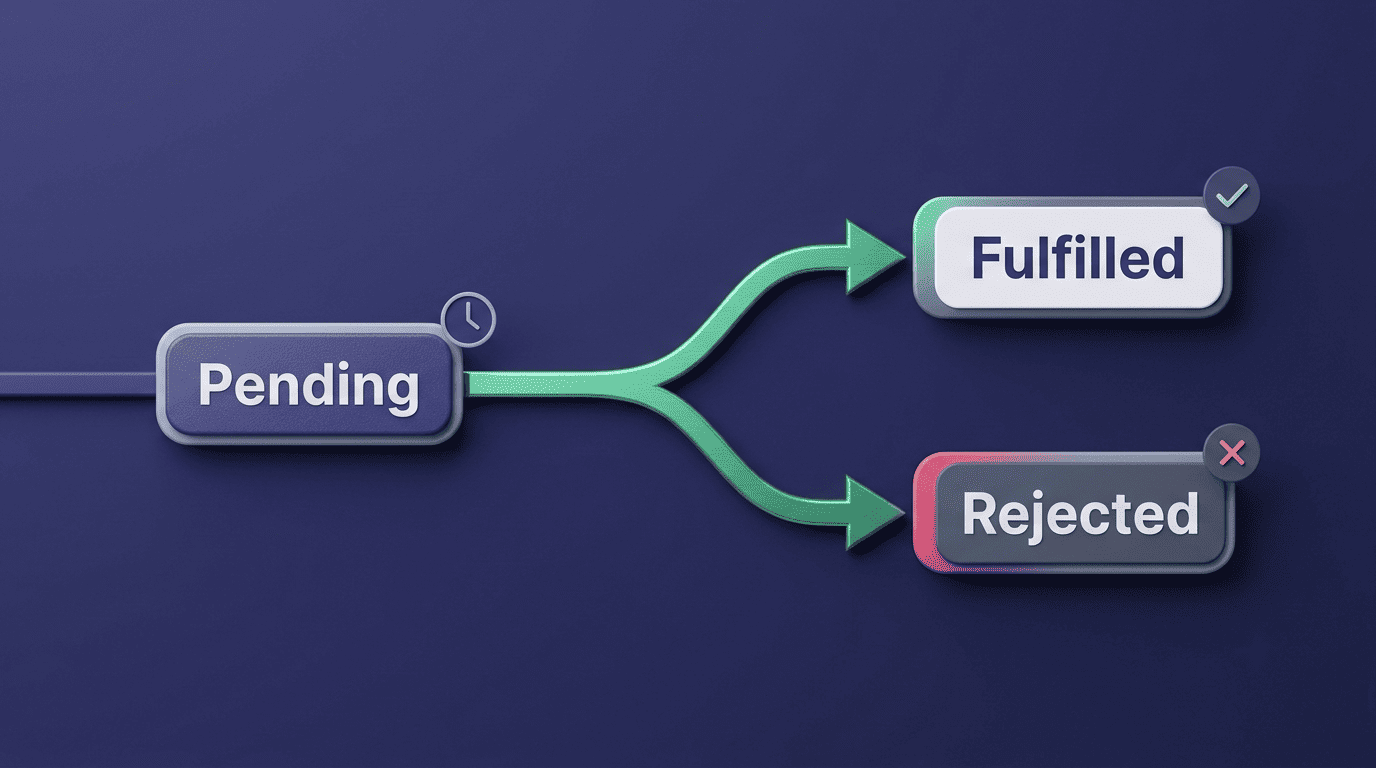
Asynchronous code is where most JavaScript confusion lives. An AI writer can explain why await pauses execution only inside an async function, how a Promise chain resolves in order, and why a callback fires later than the line right after it. It helps to have the precise definition in mind:
The Promise object represents the eventual completion (or failure) of an asynchronous operation and its resulting value.
MDN Web Docs
An AI code writer can walk through that definition against your actual code — showing exactly where the «eventual completion» happens and what triggers it — which is a faster way to internalize the concept than reading documentation cold. For the full reference on chaining, error handling, and async/await syntax, MDN’s guide to using promises covers every pattern you’re likely to hit.
Debugging JavaScript Errors
An AI code writer debugs syntax errors, runtime errors, and logic errors — reading the error message and stack trace, then pointing at the line that actually caused the problem rather than the line where it surfaced.
Reading the error and finding the cause
A TypeError, an undefined reference, an off-by-one loop bug — these are the errors developers see dozens of times a week. Paste the stack trace in and the AI traces it back to the root cause, often faster than stepping through a debugger manually, especially in a file you didn’t write.
Common JS traps it catches
Some bugs are specific enough to JavaScript that an AI writer catches them almost automatically:
==versus===comparisons producing unexpected coercion- Variable hoisting causing a value to read as
undefinedbefore assignment thisresolving to the wrong context inside a callback- Race conditions between async operations that assume a fixed order
- Memory leaks from event listeners or closures that never get released
Performance bottlenecks fall into the same bucket — an AI code writer that flags an accidental O(n²) loop before it ships is doing the same job a senior reviewer would, just faster.
Writing Unit Tests (Jest and Mocha)
An AI code writer generates Jest and Mocha unit tests directly from a function, saving the part of testing most developers actually skip: writing out every edge case by hand.
Generating a Jest test suite
Point the AI at a function and it returns describe/it/expect blocks that cover the normal case, empty inputs, and boundary values. Mocha works the same way for teams that prefer its describe/it syntax paired with a separate assertion library like Chai; Cypress test scaffolding follows a similar pattern for end-to-end coverage.
| Framework | Assertion style | Best fit |
|---|---|---|
| Jest | Built-in expect matchers | Default choice for most JS/React projects |
| Mocha + Chai | describe/it with a separate assertion library | Teams that want to swap in their own assertion or mocking tools |
| Cypress | Chainable commands against a running app | End-to-end tests in a real browser, not just unit tests |
Why you still review AI-written tests
Here’s the step-by-step version teams tend to settle on for AI-generated tests:
- Generate the test suite from the target function or component.
- Read every assertion — don’t assume the AI covered the case you actually care about.
- Run the suite locally and confirm it fails when it should (a test that never fails is worthless).
- Add missing edge cases the AI didn’t think of — especially ones tied to your specific business rules.
- Merge the tests into your existing suite, not as a separate, ignored file.
- Re-run the full suite in CI before merging the underlying code change.
The consistent advice from teams doing this at scale: add the generated tests to your suite, but don’t blindly trust them as a substitute for understanding what the code does.
Node.js vs the Browser
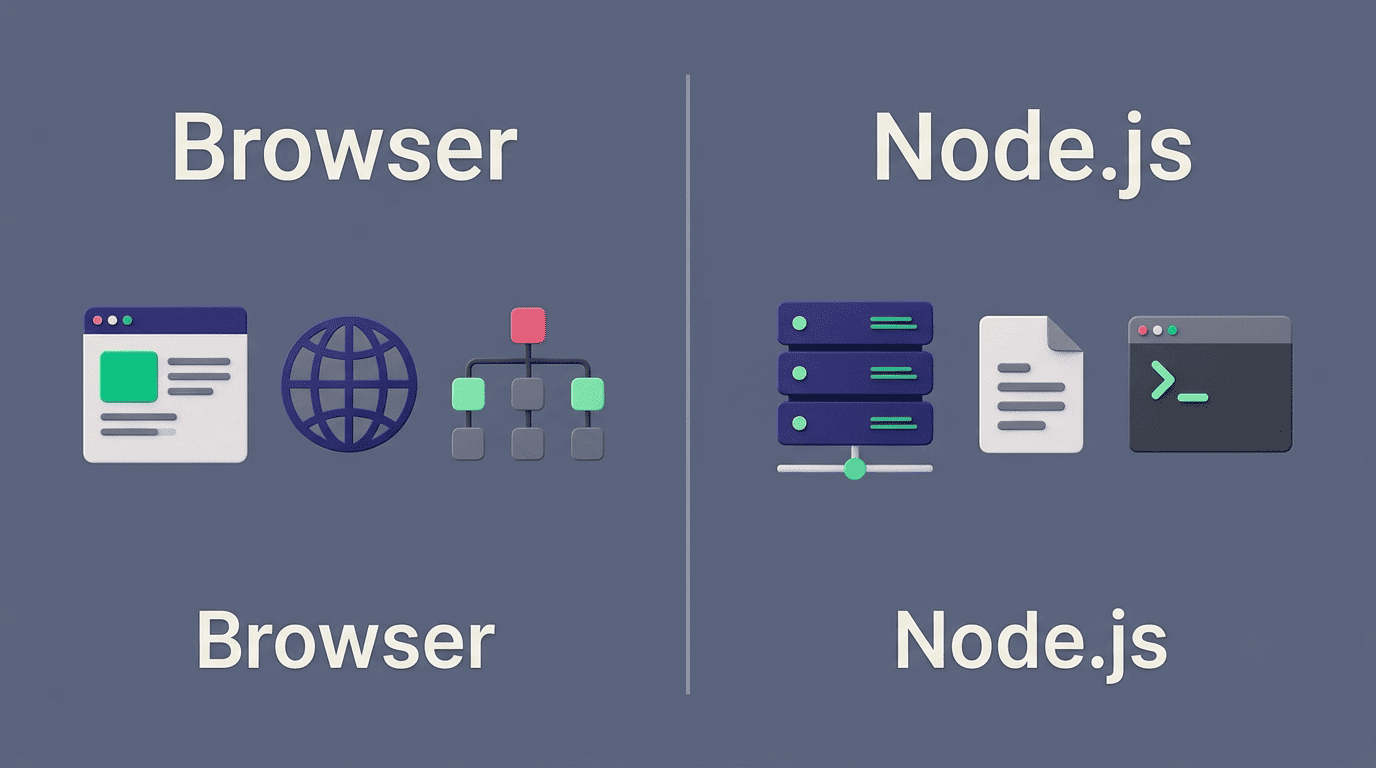
JavaScript runs in both the browser and Node.js, but an AI code writer needs to know which one you’re targeting — the language is the same, the available APIs are not.
Same JavaScript, two runtimes
| Environment | Available APIs | Typical AI-generated code |
|---|---|---|
| Browser | DOM, window, fetch, localStorage | UI event handlers, DOM manipulation, client-side fetch calls |
| Node.js | fs, process, require/import, built-in modules | File I/O, CLI scripts, server-side request handling |
A browser has the DOM and a global window object; Node.js has fs, process, and a module system built for the server. An AI code writer that knows which runtime you’re targeting won’t hand you document.querySelector in a script meant to run on a server with no DOM at all.
Server code, scripts, and tooling
Express APIs, command-line scripts, build tooling configs — this is Node-side generation, and it’s a different mental mode than writing UI code. An AI code writer that’s explicitly told «this runs in Node» will reach for fs.readFile and environment variables instead of browser-only globals.
TypeScript Support
An AI code writer supports TypeScript on request, adding type annotations, interfaces, and generics on top of the JavaScript it would otherwise generate.
Typed JavaScript on request
Ask for TypeScript specifically and you get typed function signatures, interfaces for your data shapes, and generics where they make the code reusable. TypeScript is a superset of JavaScript, so every valid JS pattern still applies — the AI is layering type safety on top, not writing a different language.
Is AI-Generated JavaScript Reliable? Best Practices
AI-generated JavaScript is reliable when it’s treated the same way as code from a junior teammate: useful, fast, and still in need of review before it ships.
Review every file before it merges. Reading generated code line by line catches the cases where the AI misunderstood the request or made an assumption that doesn’t hold for your data.

Run ESLint and Prettier on everything. Style consistency and static-analysis rules should apply to AI-written code exactly as they apply to human-written code — no exceptions.
Add it to your test suite, not around it. Generated tests only add value once they’re part of the pipeline that runs on every pull request.
Watch for security issues specifically. Cross-site scripting, unguarded eval() calls, and CSRF gaps are the categories worth checking by hand, since an AI writer optimizing for «working code» won’t always optimize for «secure code» unless you ask.
Review, lint, and test everything
The three habits above — review, lint, test — cover most of what separates a safe AI-generated pull request from a risky one. None of them are unique to AI code; they’re just easy to skip when the code arrived instantly and looks finished. Before merging any AI-generated JavaScript, a quick pass through these checks catches most of what goes wrong:
- Does it pass ESLint and Prettier with no new warnings?
- Does every new function have a matching test in the suite?
- Does any user input reach the DOM, a database query, or
eval()without sanitization? - Does the code match the runtime it’s meant for — Node.js or the browser?
Where a human is still needed
Architecture decisions, business logic that encodes company-specific rules, and security-sensitive code paths still need a person who understands the full system, not just the function in front of them. An AI code writer accelerates the mechanical parts of the job — it doesn’t replace that judgment. The value is speed on the repetitive work, so you spend your attention on the parts that actually need it.