
AI Code Writer to Explain Code: Turn Any Snippet Into Plain English
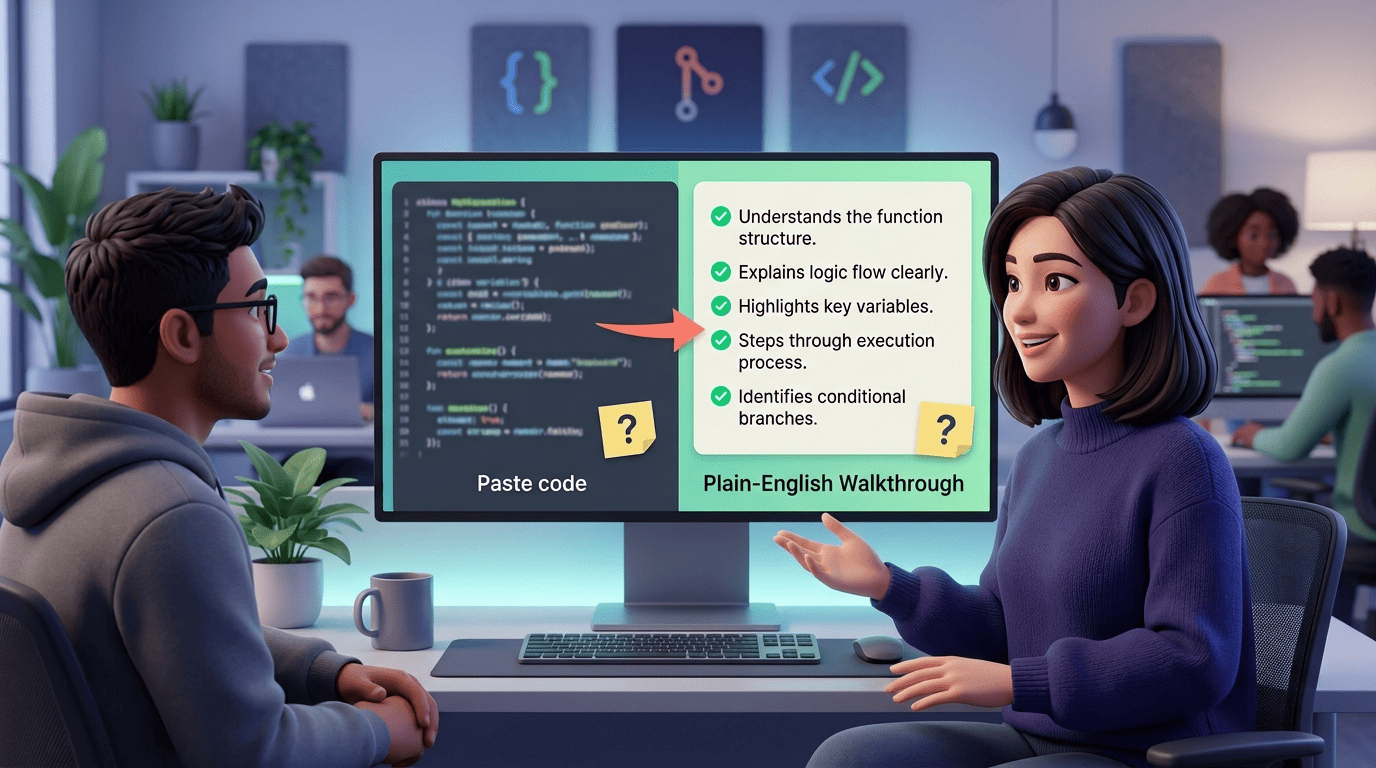
Ever stared at a block of code and had no idea what it does? An ai code writer that explains code takes a snippet you paste in and hands back a plain-English walkthrough — what each line does, why it’s there, and what the whole thing produces. The underlying models are trained on the same kind of source that powers everyday scripting languages, and the explanation adapts to whatever you throw at it.
That works for any language — Python, JavaScript, SQL, TypeScript — and it works just as well for regex, for algorithms, and for old legacy code nobody bothered to document. Free-tier tools exist, so you can try the workflow before committing to anything. What follows covers the definition, the paste-and-explain workflow, the harder cases like regex and Big-O, and the limits worth knowing about before you rely on one.
What an AI Code Writer That Explains Code Actually Does
An AI code explainer reads source code and generates a human-readable description of its logic, structure and purpose — closer to a colleague talking you through a function than a static comment block. The mechanism behind it is a transformer-based large language model trained on huge volumes of public code from repositories like GitHub, so it recognizes patterns from that training and interprets new code the way it learned to read similar structures. Some tools advertise explanations for a short snippet in just a few seconds, though actual speed varies by tool and snippet length.
A quick way to picture what’s supported:
- General-purpose languages: Python, JavaScript, TypeScript
- Query languages: SQL
- Pattern-matching syntax: regular expressions
- Mixed or undocumented snippets pulled straight from an older codebase
From tokens to plain English
Under the hood, the model doesn’t «read» code the way a person does — it processes it as a sequence of tokens, predicting and interpreting each one against everything it saw during training. That’s the same statistical idea behind the broader class of models described on Wikipedia’s large language model entry: a system trained to predict the next token in a sequence, applied here to source code instead of prose.
Summary vs line-by-line
Two modes cover most use cases: a quick overview that tells you what the code does at a glance, and a line-by-line walkthrough that narrates each statement in order. A full walkthrough typically covers:
- The inputs the function or script expects
- The key branches and conditions it evaluates
- Any side effects, like writes to a file or a database call
- The final output or return value
Detail scales with complexity — a five-line helper gets a short paragraph, while a longer function gets a numbered breakdown, statement by statement.
| Mode | Best for | Typical length |
|---|---|---|
| Summary | Quickly checking what a snippet is for before diving in | 1–2 sentences |
| Line-by-line | Debugging, code review, or learning an unfamiliar function | One line of explanation per statement |
How to Paste Code and Get a Walkthrough
The workflow is deliberately short. There’s no project setup, no configuration file, no need to explain context up front — the tool infers most of that from the snippet itself.
The three-step flow
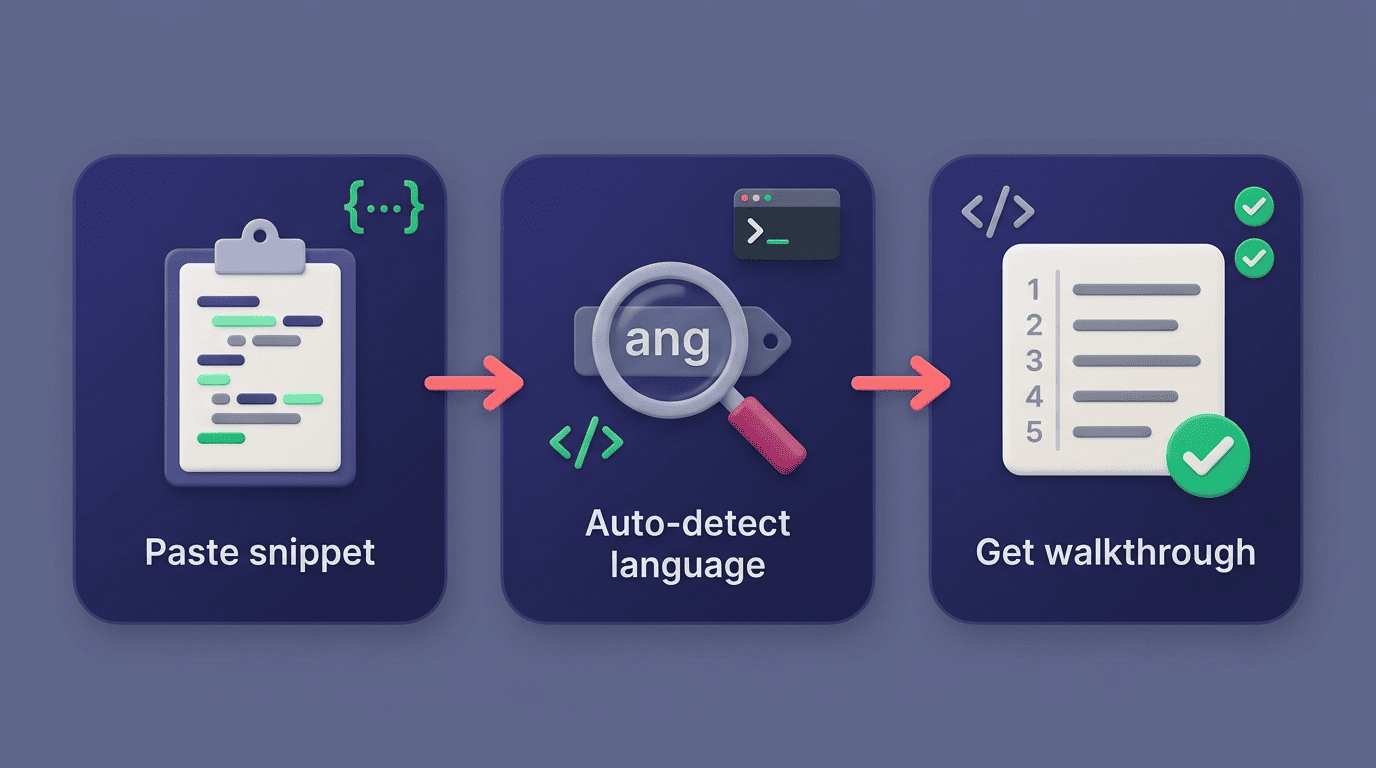
- Paste the snippet into the input box, exactly as it appears in your editor.
- The tool auto-detects the programming language — no dropdown required for most common languages.
- It returns a structured breakdown: a short summary, a numbered walkthrough, and the inputs and outputs it identified.
- Where relevant, it flags likely risk points — an unhandled edge case, a loop that could run away — and suggests a simpler rewrite.
Several tools offer a handful of free explanations per day with no sign-up, which is enough to test the workflow on a real snippet before deciding whether to use it regularly.
Inside your editor
Many coding assistants skip the browser entirely and live inside the IDE: select a block of code, right-click, choose «Explain,» and read the result without copying anything out of your project. That keeps the explanation next to the code you’re actually reading, which matters when you’re jumping between a dozen files during a code review rather than working from a single isolated snippet.
Regex, Algorithms and the Hard-to-Read Stuff
Some code is technically short but genuinely hard to read at a glance. Regex and dense algorithmic code are the two most common cases where a plain-English pass saves real time.
Decoding regex token by token
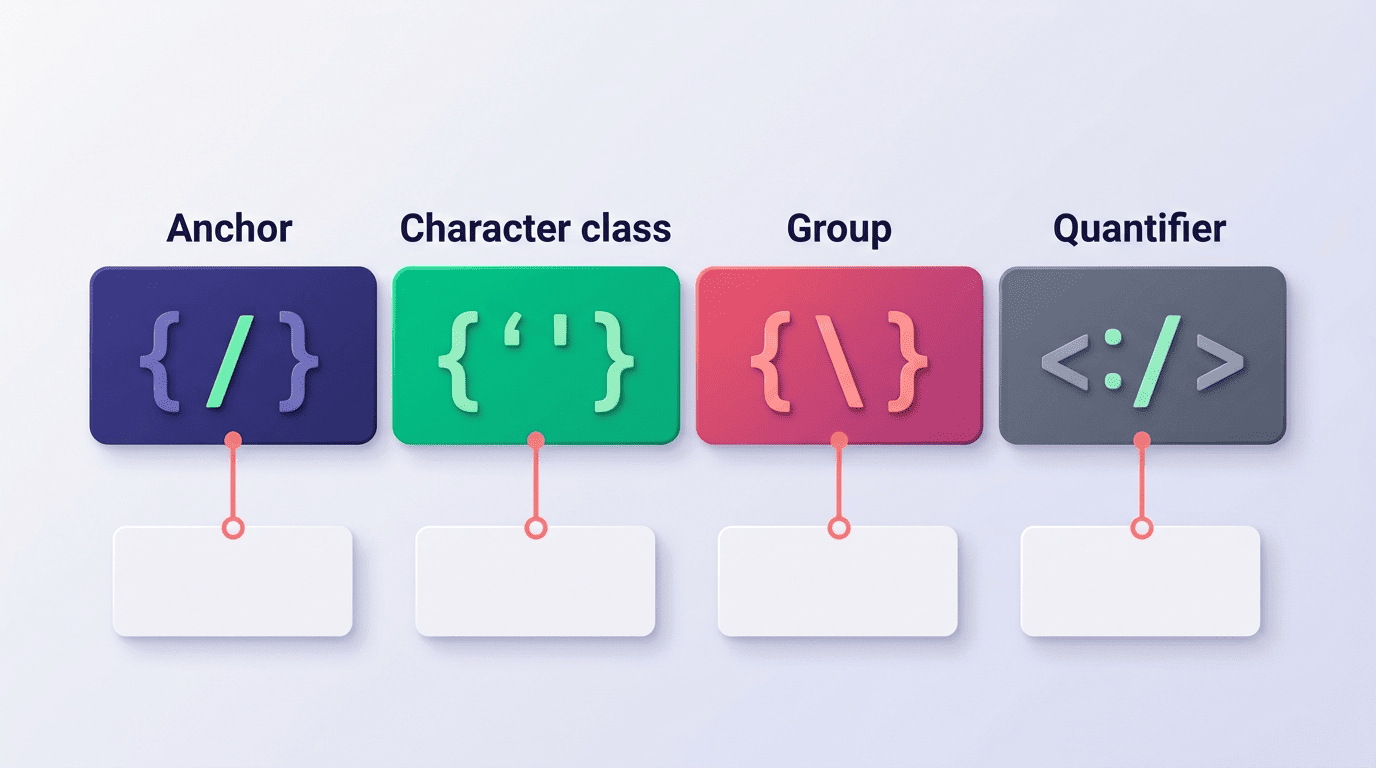
A regular expression packs a lot of meaning into a handful of characters, which is exactly why it benefits from being explained rather than parsed by eye. An AI code writer splits the pattern into its tokens — anchors, character classes, groups, quantifiers — and explains what each piece matches and what the whole expression does as a unit. For the authoritative reference on that syntax, MDN’s guide to regular expressions documents every token type an explanation is built from.
| Token type | Example | What it does |
|---|---|---|
| Anchor | ^ / $ | Matches the start or end of a string |
| Character class | [a-z0-9] | Matches any single character in the set |
| Group | (abc) | Captures a sub-match for reuse or extraction |
| Quantifier | {2,4} / * / + | Controls how many times the preceding token repeats |
Time complexity in plain words
For algorithms, the useful question is usually «what’s the time complexity?» — and a good explanation returns Big-O notation along with the reasoning behind it, walking through the loops and recursive calls that drive the cost. That’s the same complexity model documented in Python’s own standard-library reference for timing code, python.org’s timeit module docs, which is a practical way to measure a function’s real-world runtime once you understand, in theory, why it should scale the way the explanation says it does.
Legacy Code, Onboarding and Learning
Legacy and undocumented code is where these tools do their most useful work — not because the syntax is exotic, but because the original context is gone.
Making sense of code nobody documented
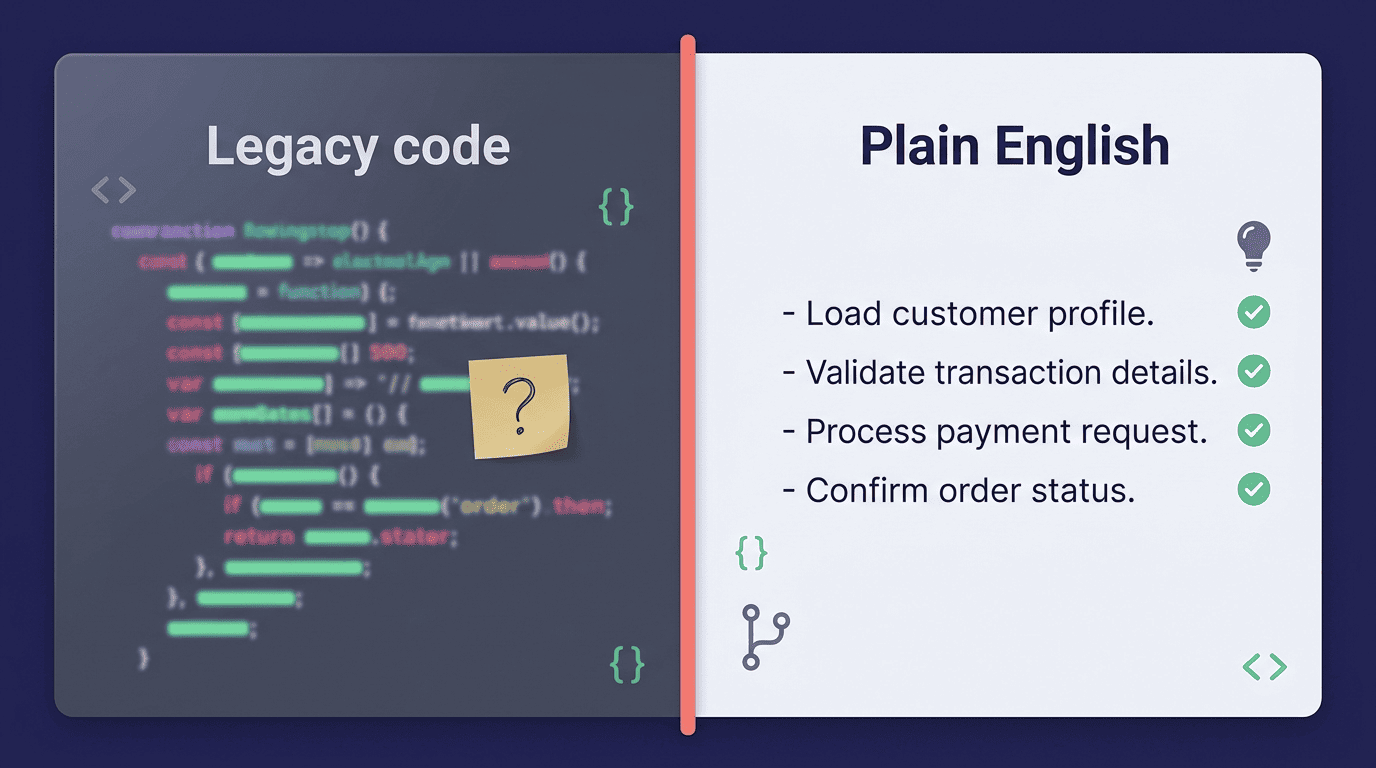
Legacy code, broadly, refers to source code inherited from an earlier system or an earlier team, often without the original documentation or the people who wrote it still around to explain intent. Wikipedia’s entry on legacy code frames it as code that is difficult to modify safely precisely because that context has been lost over time. An AI code writer decodes those old patterns and reconstructs, in plain language, how the system was likely designed to work — so you’re not reverse-engineering it blind before you can touch a single line.
Programs must be written for people to read, and only incidentally for machines to execute.
Harold Abelson & Gerald Jay Sussman, Structure and Interpretation of Computer Programs
That line is the whole case for explaining code in plain English rather than just running it and hoping. An explainer doesn’t replace that discipline — it gives you a faster first read when the original author isn’t around to ask.
Faster onboarding, real learning
New team members get up to speed faster when they can ask for a plain-English pass on unfamiliar modules instead of reading commit history line by line. The same mechanism helps outside of onboarding too:
- New hires understand an inherited codebase component by component, instead of all at once
- Students see why a line works, not just what it does, which turns reading code into a lesson
- Reviewers get a second, independent read on a pull request before approving it
This is where an ai code writer free tier lowers the barrier — you don’t need a team license to see whether the explanations actually help before relying on them daily.
Limits: What to Double-Check
An explanation is a fast first read, not a verified fact. Treat it accordingly.
Verify, don’t just trust
AI explanations can be wrong or incomplete, especially on code that leans on obscure language features or implicit behavior. Microsoft’s own guidance for developers using AI coding tools is that AI-generated code — and by extension, AI-generated explanations of code — should still be reviewed and tested rather than accepted at face value. These tools also tend to perform best on short, focused snippets rather than an entire repository dropped in at once; a whole file will produce a far vaguer summary than a single 20-line function will.
Keep secrets out
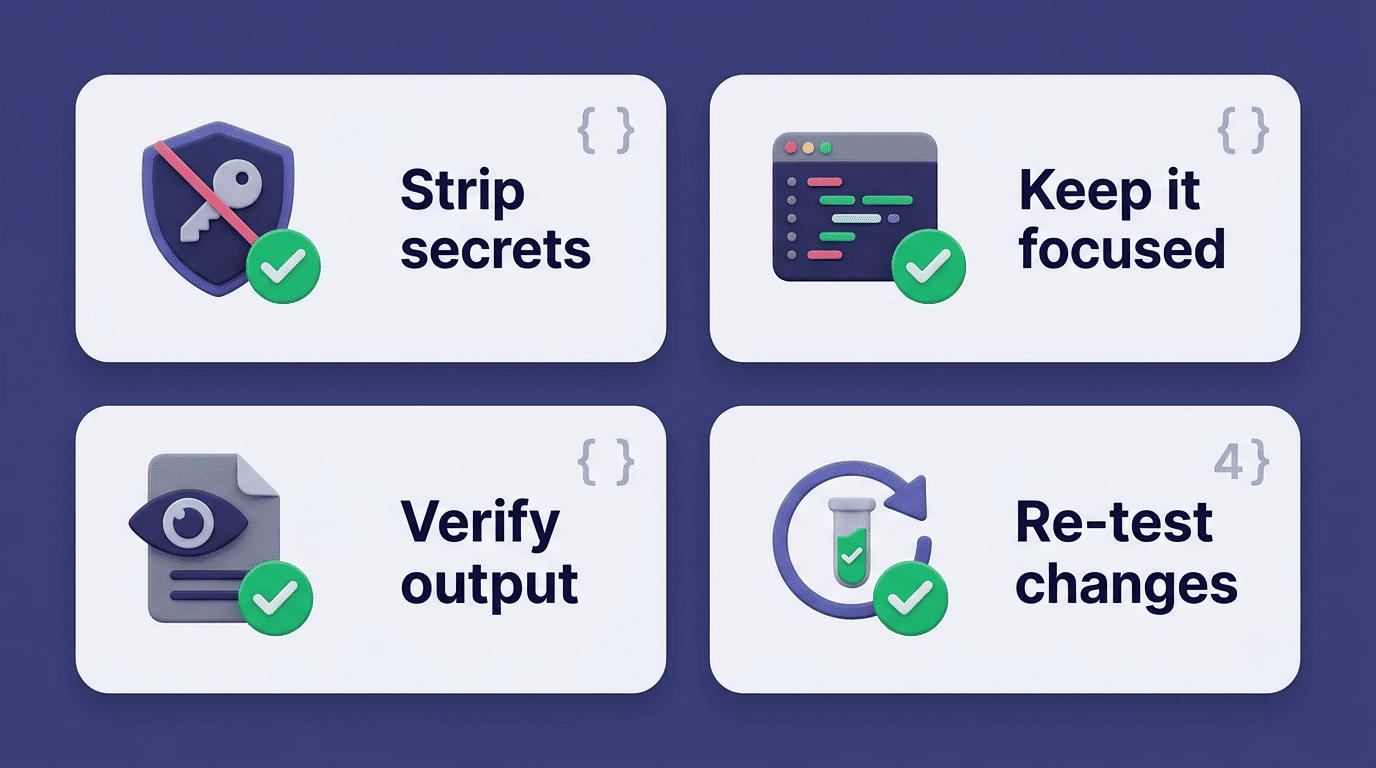
Most of these tools send your snippet to an API to generate the explanation, which means anything you paste effectively leaves your machine. Don’t paste credentials, API keys, passwords, or anything else that shouldn’t sit in a third-party log. Treat every pasted snippet as if it’s visible outside your own environment, and strip anything sensitive before you paste.
Before you paste anything in, run through a short checklist:
- Strip API keys, passwords and tokens from the snippet first
- Keep the snippet focused — one function or block, not a whole file
- Read the explanation as a first draft, then verify the parts that matter
- Re-run or test any code you change based on the explanation
Try a session yourself with an ai code writer that keeps the explanation right next to your code, on whatever snippet you’re currently stuck on.